In Palworld, the server name is a crucial descriptor that provides players with essential information about a particular server. Administrators typically choose server names to help players decide when selecting a server to join.
How to Change the Server Name on a Palworld Server
-
Login to the VolticHost Game Panel.
-
Stop the server.

-
On the left select Startup.

-
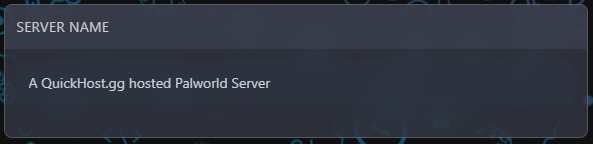
Under variables, enter the desired Server Name.
-
Start the server.