Minecraft servers can display custom messages to every player upon logging in, known as a Message of the Day (MOTD). These messages are great places to supply players with server info, discord links, or helpful reminders. MOTDs can only be changed through the [server properties](change me) file, where additional settings can be adjusted, such as the Server Name or Whitelist. By default, MOTDs can only be fifty-nine characters to display the message on the server list.
Note: To generate a customized message, use the MOTD Creator here.
How to Change the MOTD on a Minecraft Server
-
Login to the VolticHost Game Panel.
-
Stop the server.

-
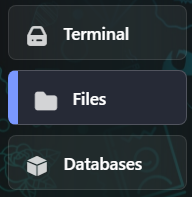
On the left select Files.
-
Open
server.properties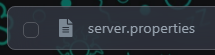
-
Find
motd=and type the message you would like. Additional customizations can be found [here](edit me).
-
On the bottom right click Save Content.

-
Start the server.